
What Is Image Compression?
Image Compression is the process of reducing an image file’s size while preserving enough visual quality for its intended use. The process removes or reorganises image data so pages can load more efficiently. Compression may be lossless, which preserves the original information, or lossy, which accepts some quality reduction for a smaller file.
Quick Facts About Image Compression
Category
Technical SEO practice
Used for
Reducing image file size
Common confusion
Compression is different from image dimensions
Also called
Image optimisation
Often discussed with
Technical SEO For Accountants
Key Takeaways About Image Compression
- Compression changes file size and may change visual quality.
- Smaller files can reduce the data needed to display a page.
- Image Compression is not the same as resizing an image.
How Image Compression Works
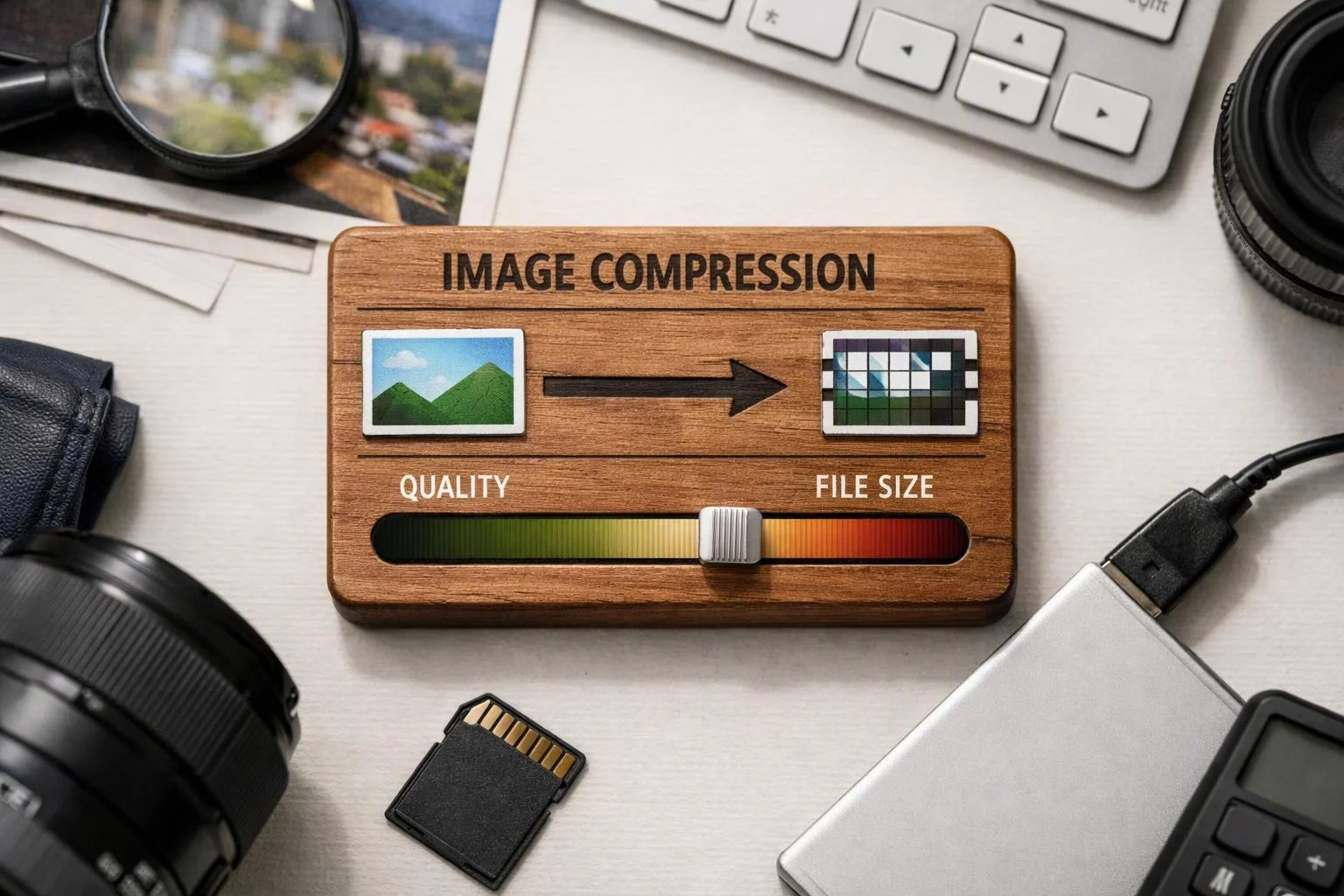
Image Compression reduces the data stored in an image file. Compression tools inspect details such as colour information, repeated patterns, and image metadata. A lossless process keeps the original visual information, while a lossy process removes data that may be less noticeable to viewers.
Related glossary terms: Page Speed, Core Web Vitals.
The result depends on the file format, the compression method, and the intended display size. A website may use compressed versions of photographs, logos, or illustrations so browsers download less data before rendering the page. WebP and AVIF are image formats commonly considered during modern website builds, although compatibility and visual quality still need checking. Compression does not automatically reduce the image’s pixel dimensions. Resizing changes the image’s width or height, while compression changes how efficiently the image data is stored.

Expert Note
When we review image handling, we check file size, visual quality, dimensions, format, and how the image appears on relevant pages. We also inspect whether compression has removed useful metadata or introduced visible artefacts. Our team considers the page context, because a banner, staff photograph, and small interface icon need different treatment.
Image Compression in Practice: A Real-World Example
For an accounting firm service page, Image Compression can reduce the file size of a team photograph before the page is published. The image remains clear enough for visitors while the website avoids sending unnecessary data to the browser.
Related Services
Related Terms
Page Speed
Page Speed is the time and responsiveness involved when a web page loads and becomes usable…
Core Web Vitals
Core Web Vitals are a set of page experience metrics that assess loading performance, interactivity and…
SEOforAccountants.au
Have Questions About Image Compression?
Contact SEOforAccountants.au for practical guidance on Image Compression and related seo for accountants work in Melbourne.